Packaging barcodes: why a successful scan is not enough

Imagine a label review where someone points a phone at the screen, successfully reads the barcode and says, “It works, we can approve it.” That scan provides useful information, but the decision still needs to address other questions: does the data belong to the right product? Does the artwork preserve the required space? Does the printed package retain the intended conditions?
To organize those answers, distinguish three types of evidence: content checks, artwork review and evaluation of the physical sample. They complement one another, and each needs an owner and a clear record.
1. Understand what the scan test tells you
A scan shows that a particular reader could interpret the symbol under the test conditions. Verification uses specialized equipment to analyze its quality. The GS1 Bulgaria frequently asked questions explain this distinction.
When recording a scan, identify what was tested: an image on a monitor, a PDF or a printed package. Note the device used and the result as well. This lets the team use the evidence without drawing a broader conclusion from it. A note such as “content read from the PDF” is more precise than a general comment saying “barcode approved.”
2. Check the data against the product record
Before discussing appearance, compare the decoded content with the information approved by the product owner. GS1 includes the check digit among its barcode quality checkpoints. That check should accompany identification of the item being reviewed.
A practical routine is to place the SKU, the product record reference and the value found in the artwork side by side. For a family of similar labels, request an individual check of each variant. If there is a discrepancy, record the expected value and who supplied that reference. Avoid correcting the symbol based solely on an old package that happened to be on the desk.
3. Allocate space before finalizing the layout
Dimensions and clear areas around a symbol depend on the barcode type and its application. The GS1 Australia guide to creating and printing barcodes explains these differences and the role of quiet zones.
Ask prepress to confirm the specification used for that job. Then inspect the area at final size: text, borders and graphics should stay out of the space reserved for the symbol and its required margins. If space is insufficient, return the issue to layout. Do not treat shrinking the barcode as a purely visual adjustment. Record any scaling change so it can be checked again.
4. Discuss background and color as production decisions
GS1 recommends dark bars on a light background, with black on white as the preferred combination. It also advises against relying on the contents to provide the background color on semi-transparent materials. See GS1 UK guidance on barcode colors.
During review, ask which surface will carry the barcode and how its background will be produced. If the design uses clear film, a special ink or a finish in that area, request the supplier's assessment of the proposed solution. An attractive simulation helps discuss intent; the production decision needs to identify the planned material, printing and finishing. Keep that answer linked to the artwork version.
5. Evaluate a sample representative of the finished product
An office print can help discuss layout, but it does not automatically represent production. GS1 Ireland recommends samples in their final retail form, because different materials and printing equipment can produce different results.
Agree with the supplier when a sample made under the intended job conditions will be assessed. Identify the material, artwork version and production stage at which it was collected. Inspect the assembled package too: is the barcode still accessible after label application, folding or closure? If a change affects that area, include the corresponding sample in the next evaluation round.
6. Request a report with identified criteria
A verifier conforming to the applicable standard measures symbol parameters and produces a grade. Minimum requirements vary by application, as explained in GS1 guidance on printed barcode quality.
When requesting the service, explain the intended use and ask for a report identifying the symbol, sample, method and assessment criterion. Save it with the corresponding job. If a sample fails, turn the technical recommendation into an assigned action and request another assessment after correction. A result left in a conversation without a connection to its sample makes it difficult to establish what was actually checked.
7. Distinguish approvals and connect the evidence
At sign-off, record what each owner validated: barcode content, artwork construction or printed sample quality. Make any outstanding stage explicit. Artwork approval should not be presented as a print measurement report.
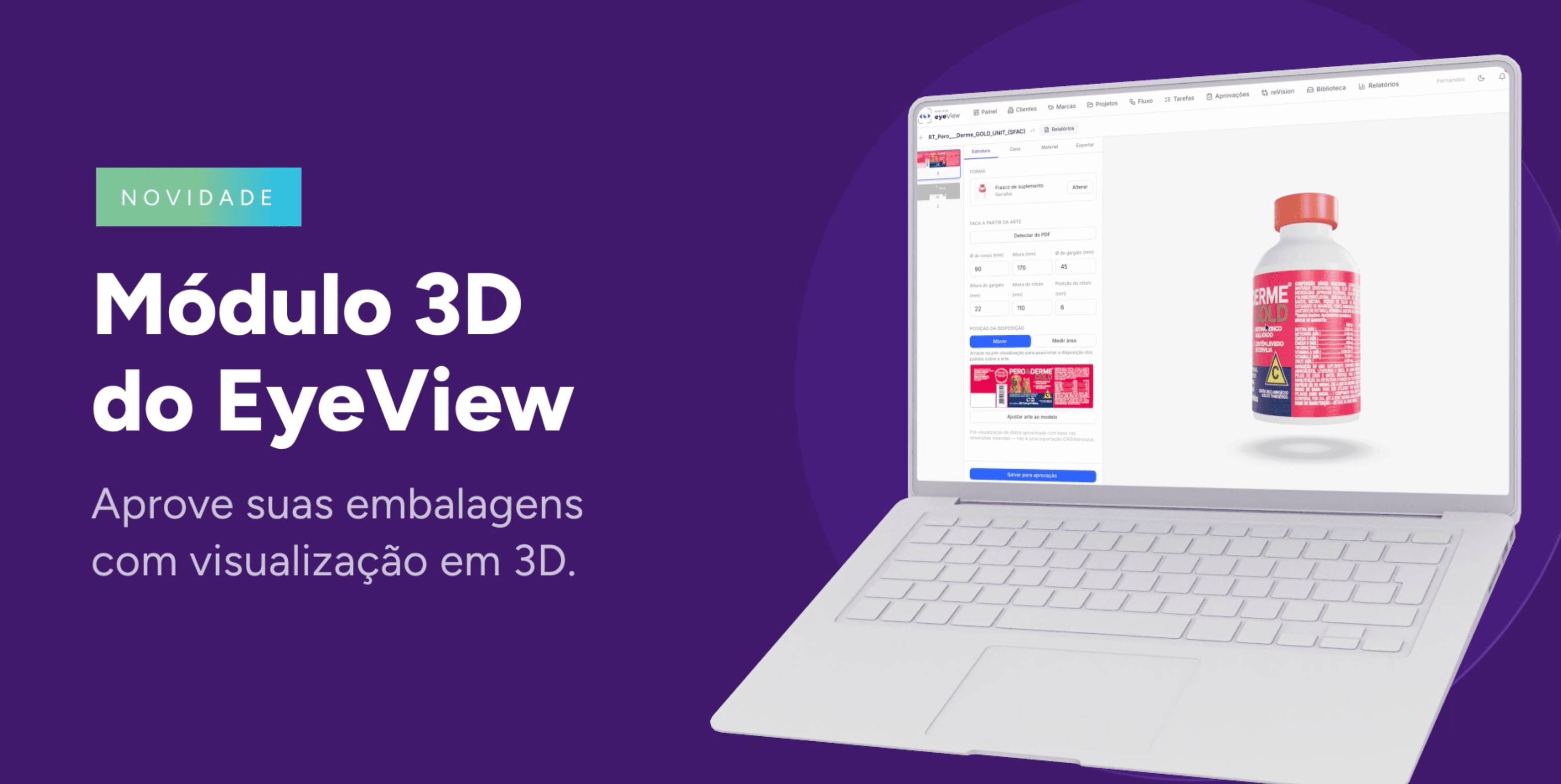
eyeView Revision brings together barcode detection in PDFs, file comparison and step-by-step approvals. These capabilities help organize artwork review; physical verification remains a task for the appropriate equipment and service. Link the results to the same job so that design, prepress and quality discuss the same version.
A sound approval decision lets the team locate the checked data, reviewed file and assessed sample. That combination of evidence gives context to a successful barcode scan.